The esima eSIM was a lifesaver during my time in South Korea! From the bustling streets of Seoul to the serene mountains, I had a steady 4G connection. The installation process was incredibly simple, and the customer service was responsive when I had questions. A must-have for travelers!
WL
Wei L.
Singapore, SG · Jun 2026
Smooth sailing in South Korea!
Using esima was a game changer for my travels in South Korea. The eSIM was ready to go as soon as I landed, and I had no issues with connectivity anywhere I went. Highly recommend for anyone traveling here!
DJ
Daniel J.
Sydney, AU · Jun 2026
Seamless Connection in Seoul
I scanned the QR code as soon as I landed at Incheon Airport, and it worked instantly! The 5G speed was fantastic for streaming while exploring the city. Highly recommend esima for anyone traveling to South Korea!
JK
James K.
Manchester, GB · May 2026
Perfect for my Seoul adventure
The eSIM from esima was a lifesaver during my trip to South Korea! I scanned the QR code right at Incheon Airport, and I was online in under a minute. Speed was excellent; I streamed Netflix without any buffering. Highly recommend!
PS
Priya S.
Mumbai, IN · May 2026
Seamless Connection in Seoul
I was amazed at how easy it was to install the eSIM once I landed in Incheon. Scanned the QR code and was online within seconds. The 5G speed was perfect for streaming K-dramas without buffering!
HP
Hugo P.
Paris, FR · May 2026
Seamless experience in South Korea
Connecting to the internet was a breeze. I activated my eSIM in less than 30 seconds using the manual code. Perfect for sharing my travel moments instantly!
SW
Sophie W.
Toronto, CA · May 2026
Fantastic for Travelers!
esima made my trip to South Korea so much easier! I was connected as soon as I arrived at Gimpo Airport. The speed was fantastic, allowing me to easily share photos and navigate the city without any issues. Highly recommend!
NK
Noah K.
Brisbane, AU · May 2026
Decent but could improve
The eSIM worked well in major areas like Seoul, but I had trouble in smaller towns. Installation was straightforward, but I did run into a few app glitches that made it frustrating at times. Overall, not bad, just needs better rural coverage.
eSIM vs roaming in South Korea
Typical home-carrier roaming
£10–£18
per day
Esima eSIM
£3.43
Flat rate
Most international carriers charge a daily roaming fee for South Korea, typically with a data cap between one and three gigabytes before throttling to 2G speeds. Hotspot is often disabled or costs extra, and the daily fee applies even if you use only fifty megabytes checking a map.
An eSIM gives you a flat data pool at local-market pricing — no surprise charges if you stream a KTX journey or tether a laptop at your guesthouse.
Roaming bundles from major networks often exclude 5G or limit you to LTE, while the eSIM accesses SK Telecom and KT's full 5G network in Seoul and Busan. If you are in Korea for a week, roaming fees compound; the eSIM cost stays fixed regardless of how many days you stay connected.
Real trips, real travelers
Built for travelers like you
Different trip, same eSIM — here is how it lands for the most common visitors to South Korea.
You are taking the high-speed train from Seoul to Busan, then looping back through Gyeongju and Daegu. The KTX onboard Wi-Fi dies in every tunnel, but the eSIM holds LTE on SK Telecom the entire route. You stream a podcast, check Naver Map for your Busan guesthouse, and book a Kakao T from the station — all without waiting for the train Wi-Fi to reconnect.
KTX rail traveler
You rent a car in Jeju City and drive the coastal loop, stopping at Seongsan Ilchulbong, Manjanggul Cave, and the western beaches. Naver Map reroutes you in real time when construction blocks the highway near Seogwipo. The eSIM's hotspot lets your passenger look up cafe reviews and share the data cost, and LTE holds strong until you start climbing Hallasan above 1,200 meters.
Jeju Island road-tripper
You are staying in Hongdae and visiting Gangnam, Myeongdong, and the palaces in Jongno over four days. Kakao Metro tells you which subway exit to use at every stop, and Naver Map shows live bus arrivals when the subway does not go direct. The eSIM keeps both apps refreshing underground, and you never wait more than three minutes for the next train because the delay alerts are live.
Seoul metro commuter
Apps you'll need data for in South Korea
The apps locals and travelers actually use — the ones that need real cell data, not just hotel Wi-Fi.
Kakao T
Taxi hailing and payment via Kakao Pay
Naver Map
Real-time subway exits, bus arrivals, and walking directions
K
Kakao Metro
Seoul and Busan subway real-time delay alerts
Kakao Pay
Mobile payments and in-app purchases
KTX app
Train ticket booking and mobile boarding passes
Coupang
E-commerce and same-day delivery
MangoPlate
Restaurant reviews and reservations
How much data you'll burn per day
WhatsApp
~50MB per day for text and voice messages, ~200MB per day if you make regular voice calls, ~500MB per day with video calls.
Maps
Naver Map uses ~20MB per hour of active turn-by-turn navigation, ~80-120MB per day for typical sightseeing with frequent route checks.
Rideshare
Kakao T uses ~5MB per ride for driver matching and route tracking, ~30-50MB per day if you take four to six rides across Seoul or Busan.
When you're travelling matters
Cherry blossom season in late March and early April brings dense crowds to Yeouido Park in Seoul, Jinhae, and Gyeongju, which can throttle cell speeds in those specific areas during peak weekend hours.
Autumn foliage season in October sees similar congestion in Seoraksan National Park and Naejangsan, where LTE can slow on hiking trails near the cable-car stations.
Winter ski season in Pyeongchang and Gangwon-do runs December through February; resorts have full LTE coverage at base lodges, but upper slopes and chairlifts can drop to 3G on LG U+.
Summer monsoon season in July does not affect cell infrastructure, but heavy rain can delay KTX trains and reduce outdoor signal strength temporarily in rural areas.
FAQ
Frequently asked questions
Does the eSIM work in Jeju Island?
Yes. All three carriers — SK Telecom, KT, and LG U+ — cover Jeju City, Seogwipo, and the coastal highway with LTE. Hiking trails on Hallasan above 1,200 meters can drop to 3G on LG U+, but SK Telecom holds LTE longer. The eastern Seongsan Ilchulbong area and Manjanggul Cave both have full coverage.
Will the eSIM work on the KTX train from Seoul to Busan?
Yes. The KTX has onboard Wi-Fi, but it dies in tunnels. SK Telecom and KT maintain LTE throughout the entire Seoul-Busan and Seoul-Gwangju routes, so the eSIM stays live even when the train Wi-Fi drops. Download any large files before boarding to avoid congestion during peak travel hours.
Does the eSIM work in Seoul's subway?
Yes. Seoul Metro has full LTE and 5G coverage on all platforms and in tunnels on every line. SK Telecom, KT, and LG U+ all work underground. Kakao Metro and Naver Map pull real-time delay alerts and platform directions, both of which need active data to refresh.
How much data do I need for a week in Seoul and Busan?
Three to five gigabytes covers a week of Naver Map navigation, Kakao T rides, and messaging. Add two gigabytes if you plan to stream music on the KTX or upload photos daily. Video calls and Instagram stories will push you toward eight to ten gigabytes. Naver Map uses around twenty megabytes per hour of active navigation.
Can I use Kakao T with this eSIM?
Yes. Kakao T requires live data for driver matching and payment through Kakao Pay. The app will not queue rides over Wi-Fi alone. The eSIM keeps Kakao T connected while you move between neighborhoods, and hotspot lets a travel partner use the app on their device if they do not have data.
Does Naver Map work better than Google Maps in Korea?
Yes. Naver Map has real-time bus arrival data, detailed subway exit routing, and walking directions that Google Maps lacks in Korea. Google Maps will show subway lines but not which exit to use or live bus times. Download Naver Map and set it as your primary navigation app before you land.
SK Telecom or KT — which has better coverage in Gyeongju?
KT has slightly stronger LTE coverage around Bulguksa Temple and the Gyeongju Historic Areas. SK Telecom matches that performance in the city center and near Gyeongju Station. Both carriers deliver 5G in downtown Gyeongju. The eSIM hands off between them automatically, so you get whichever is stronger at each location.
Will the eSIM work in Incheon Airport when I land?
Yes. The eSIM activates the moment you disable your home SIM and connect to SK Telecom, KT, or LG U+. Incheon's free Wi-Fi requires passport registration and a six-step web portal; the eSIM skips that and works immediately in arrivals, so you can open Naver Map or call a Kakao T before you reach the train platform.
Can I make WhatsApp calls in South Korea with this eSIM?
Yes. WhatsApp voice and video calls work over the eSIM's data connection on SK Telecom, KT, or LG U+. A one-hour WhatsApp voice call uses around forty megabytes; video calls use closer to three hundred megabytes per hour. The eSIM's hotspot feature lets you share data with a companion for their calls.
Does the eSIM work in rural areas outside Seoul?
Yes, with LTE coverage in most of Gangwon-do, the southern coast, and the rural interior. SK Telecom and KT both cover the main highways and towns. Remote hiking trails in Seoraksan National Park and the upper slopes of Hallasan can thin to 3G or lose signal entirely above 1,200 meters. Download offline maps before heading into mountain areas.
eSIM vs buying a SIM card at a convenience store in Korea?
A physical SIM from a GS25 or CU convenience store costs about the same but requires your passport, a paper form, and a ten-minute activation wait. The eSIM installs in under a minute via QR code, works immediately upon landing, and does not require you to carry your passport to a store. Both give you access to the same SK Telecom, KT, or LG U+ networks.
Will the eSIM work in Busan Metro?
Yes. Busan Metro has full LTE coverage on all four lines, including platforms and tunnels. SK Telecom, KT, and LG U+ all work underground. Naver Map and Kakao Metro both pull real-time train arrival data, which needs active data to refresh. Expect full signal strength at Seomyeon, Busan Station, and Haeundae stops.
Does the eSIM include hotspot for tethering a laptop?
Yes. Hotspot is enabled by default with no throttling on the first several gigabytes. You can tether a laptop, tablet, or share data with a travel partner whose phone does not support eSIM. Some roaming plans from home carriers disable hotspot or charge extra; the eSIM includes it at no additional cost.
Can I use Kakao Pay with this eSIM?
Kakao Pay itself works over any data connection, but linking a foreign card can be restricted by the app's verification system. The eSIM keeps Kakao Pay connected for in-app purchases and Kakao T payments. If you plan to use Kakao Pay for convenience-store purchases, check that your card issuer allows international mobile-wallet transactions before you leave.
How much data does streaming music on the KTX use?
Spotify or YouTube Music at standard quality uses around fifty megabytes per hour. A three-hour Seoul-Busan KTX journey will consume around one hundred fifty megabytes if you stream the entire time. Download playlists over Wi-Fi at your hotel to save data, or budget an extra gigabyte for the week if you prefer live streaming.
Need broader coverage?
Going further than South Korea? These plans include South Korea plus everywhere in between.
Korea runs on Kakao T for taxis, Naver Map for subway exits, and mobile payment at every convenience store.
A South Korea travel eSIM drops you onto SK Telecom, KT, or LG U+ the moment you clear Incheon immigration, so you skip the airport SIM counter and open Naver Map while you are still in arrivals. One QR scan, you are live on the fastest 5G network in Asia.
Choose your plan
5 options
Balanced use — social, navigation & light streaming
Choose number of eSIMs
How many travelers?
1 eSIM
Total£12.59
Secure payment
30-day guarantee
SK Telecom South Korea5G
Features
Data-only plan, no contract
Works on 5G / 4G LTE networks
Choose when your plan activates
Connects to top local carriers
No physical SIM swap needed
24/7 customer support
Description
You land at Incheon, scan the QR code esima sent by email, and the eSIM installs in under a minute. No passport photocopy, no deposit, no waiting behind a tour group at the rental counter.
The profile activates automatically when you disable your home SIM, and you are on SK Telecom or KT before you reach the airport train platform. Incheon's free Wi-Fi requires passport registration and a six-step web portal; the eSIM skips that entirely and works the second you step off the jet bridge.
Korea's app ecosystem expects live data — Kakao T matches you with drivers in real time and processes payment through Kakao Pay, Naver Map pulls live bus arrival times and subway delay alerts that Google Maps does not carry, and Kakao Metro integrates with Seoul's transit system for platform-level directions.
A physical SIM from a convenience store costs the same but requires you to carry your passport, fill a paper form, and wait for activation. The eSIM sits in your phone's second slot, so your home number still receives SMS and calls over Wi-Fi.
If you are taking the KTX to Busan or Gwangju, the train's Wi-Fi is unreliable in tunnels, but SK Telecom and KT hold LTE the entire route. Jeju Island has full LTE coverage in Seogwipo and along the coastal highway; only the upper Hallasan trails above 1,200 meters thin to 3G on LG U+.
Hotspot works without extra cost, so you can tether a tablet or share data with a travel partner.
Technical specs
Network
SK Telecom South Korea5G
Coverage
South Korea
Delivery
Immediate, by email
Plan type
Data only
Phone number
No
SMS / calls
VoIP apps only
Activation
QR code or manual SM-DP+
Why travelers choose Esima
Three reasons travelers pick esima for South Korea. First: pricing mirrors local prepaid rates, not the roaming premium your home carrier charges for access to SK Telecom or KT.
Second: the eSIM hands off between all three networks automatically, so you get the strongest tower in Busan's fish market or Jeju's coastal roads rather than being locked to one carrier's coverage map.
Third: hotspot is enabled without throttling — important if you are traveling with a laptop or sharing data with a companion whose phone does not support eSIM.
Instant delivery
Your QR code lands in your inbox minutes after purchase.
No roaming bills
Pay one upfront price — no surprise charges abroad.
Keep your number
Your physical SIM stays active for calls and texts.
Fast 4G/5G
Connect to top-rated local networks at full speed.
24/7 support
Real humans ready to help, any time zone, any day.
Easy install
Scan once and you're online — no app, no SIM swap.
Coverage in South Korea
Our South Korea eSIMs run on SK Telecom, KT, and LG U+. SK Telecom delivers the fastest 5G speeds in Seoul, Busan, and along the KTX high-speed rail corridor, with sub-20ms latency in metro areas.
KT matches that performance in Incheon and Gyeongju. All three carriers blanket Jeju Island with LTE, but hiking trails above 1,200 meters on Hallasan can drop to 3G on LG U+.
KTX trains between Seoul and Busan have onboard Wi-Fi that dies in tunnels; SK Telecom and KT maintain LTE throughout the journey. Seoul's subway system, Busan Metro, and Daegu Metro all have full underground coverage on every carrier.
Expect 5G in every major city center and LTE in rural Gangwon-do and the southern coast.
Network
SK Telecom South Korea5G
Good to know
Download offline maps in Naver Map before hiking Hallasan — LTE thins above 1,200 meters and Google Maps lacks trail detail.
Kakao T requires live data for driver matching and Kakao Pay checkout; the app will not queue rides over Wi-Fi alone.
KTX trains have onboard Wi-Fi that dies in tunnels — SK Telecom and KT maintain LTE the entire Seoul-Busan route.
Naver Map is the only app with real-time subway exit routing and bus arrival data; Google Maps lacks both in Korea.
Incheon Airport's free Wi-Fi requires passport registration and a multi-step portal — the eSIM works immediately upon landing.
Seoul's subway integrates with Kakao Metro for real-time delay alerts, which need active data to refresh.
Coverage in South Korea — top cities
Seoul
SK Telecom and KT both deliver sub-20ms 5G latency across Gangnam, Myeongdong, and Hongdae. The subway system has full LTE and 5G on platforms and in tunnels on all lines. Naver Map is essential here — Google Maps lacks real-time bus data and detailed subway exit routing. Expect gigabit speeds near Seoul Station and Coex, throttling only in packed crowds at Gwangjang Market on weekends.
Busan
SK Telecom leads on 5G speed in Haeundae, Seomyeon, and around Busan Station. KT matches coverage in Gamcheon Culture Village and along the coastal Haeundae-Songjeong trail. Busan Metro has full underground LTE on all four lines. The fish market in Jagalchi and the alleys behind Gukje Market can see congestion during lunch hours, but speeds recover by mid-afternoon.
Jeju Island
All three carriers blanket Jeju City, Seogwipo, and the coastal loop highway with LTE. 5G is live in Jeju City center and near the airport. Hiking trails on Hallasan above 1,200 meters drop to 3G on LG U+, and SK Telecom holds LTE longer but thins near the summit. The eastern Seongsan Ilchulbong area and Manjanggul Cave both have full LTE coverage at ground level.
How to set up your eSIM
1
Check compatibility
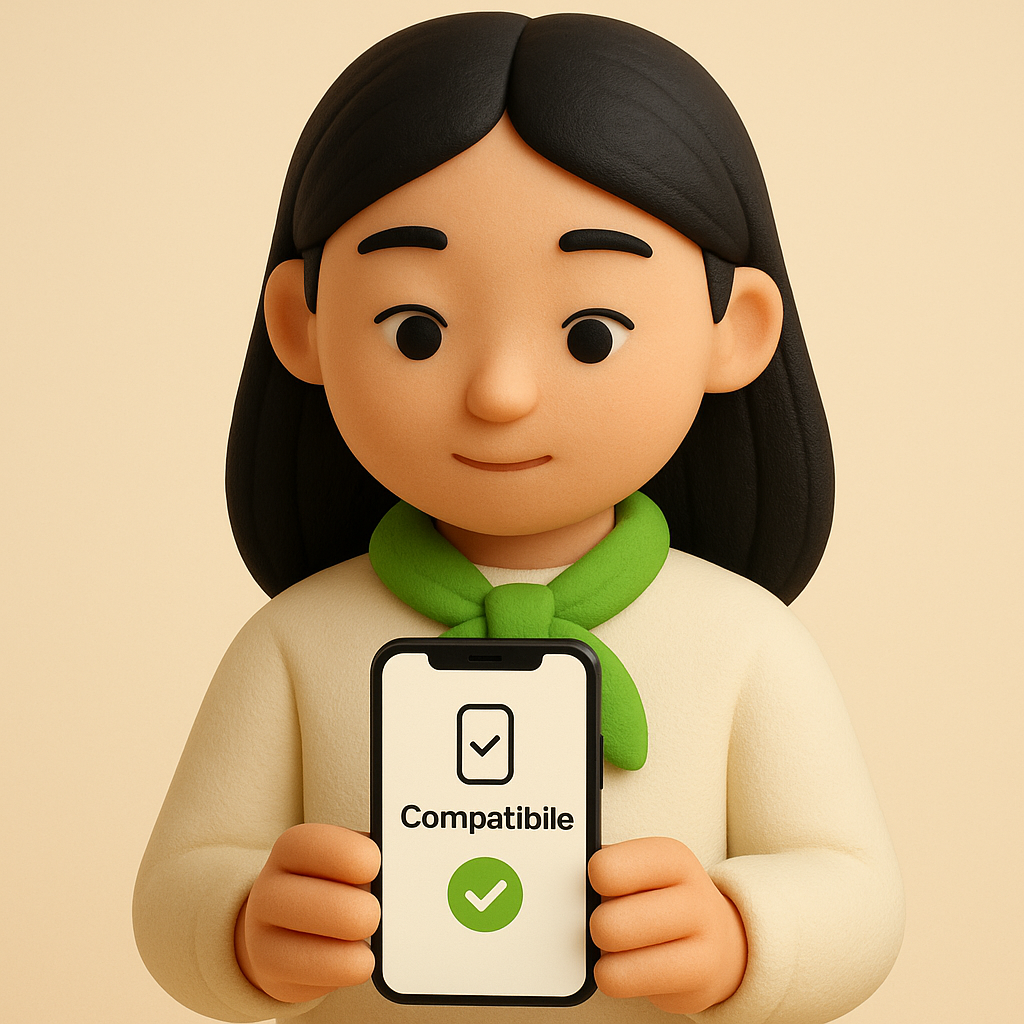
Make sure your phone supports eSIM — most recent models do.
2
Buy your eSIM
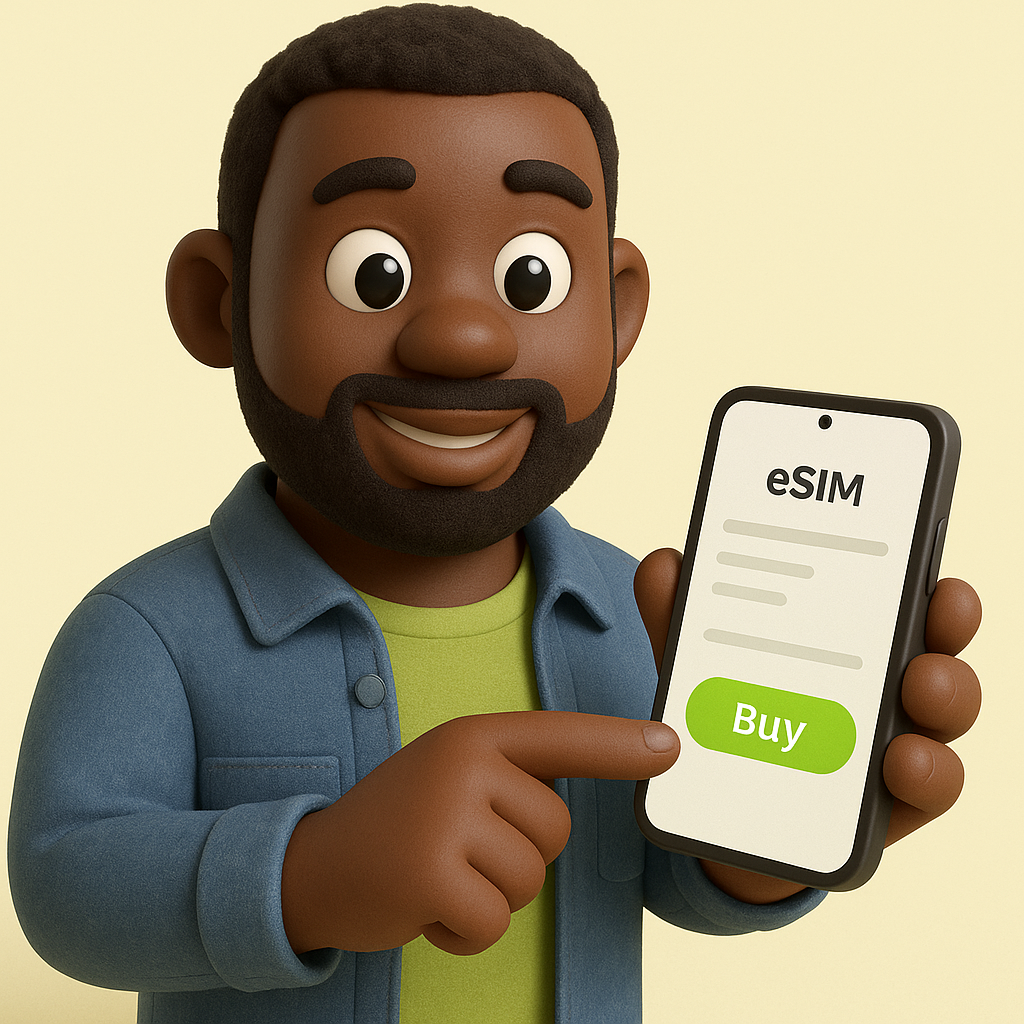
Pick a plan and pay securely. Your QR code arrives by email in minutes.
3
Scan & connect
Scan the QR code, enable data roaming on arrival, and you're online.
 WhatsApp +44 7367 063273