Overall, I was pleased with my eSIM experience. The installation was straightforward, and I appreciated the data plans available. I did encounter some slow speeds in more crowded areas, but it didn't disrupt my trip too much. Would use it again!
OP
Olivia P.
Austin, US · Jun 2026
Highly recommend for USA travel!
I used esima during my trip to Miami. The QR code installation was a breeze, and I had 5G access throughout the city. Customer service was quick to respond when I had a question about data limits, making my experience even better!
SM
Sarah M.
London, GB · Jun 2026
Seamless Connection in NYC
The eSIM worked perfectly the moment I landed in New York. Scanned the QR code, and I was online in under a minute. Speeds were great for streaming and navigating the city. Highly recommend it for travelers!
WL
Wei L.
Singapore, SG · May 2026
Reliable and fast service
Used esima during my trip to Florida, and I was very pleased. The setup took just a minute and the speed was generally fast, especially in urban areas. Just a slight dip in speed when I got closer to the Everglades.
EO
Ethan O.
Dublin, IE · May 2026
Great value for data
The esima eSIM worked well for my week in California. Data speeds were good most of the time, especially in urban areas like San Francisco. However, I did notice some lag while in more remote parts of Yosemite. Overall, a solid option.
JK
James K.
Manchester, GB · May 2026
Perfect for road trips
I took a road trip across the West Coast, and the esima eSIM was a lifesaver. I had consistent 4G coverage in major cities and even in some less populated areas. Highly recommend for travelers looking to stay connected!
JL
Jessica L.
New York, US · May 2026
Good coverage, minor hiccup
Used esima throughout New York City. Most areas had great 4G speeds, but I faced some slow connections in Central Park. Overall, the setup was quick and I really appreciated the coverage in busy areas.
RB
Ryan B.
Seattle, US · May 2026
Seamless connection everywhere
I was really impressed with the esima eSIM during my trip across the U.S. I activated it right at the airport and stayed connected in every city I visited. No dropped calls or slow data, just smooth 4G all the way!
eSIM vs roaming in United States
Typical home-carrier roaming
£10–£20
per day
Esima eSIM
£2.57
Flat rate
Most international carriers charge per-day roaming fees for US travel, and those fees stack fast over a week or two.
The first gigabyte or two often comes at full speed, then throttles to 2G or 3G for the rest of the day — fine for messaging, unusable for maps or rideshare when you are lost in a new city.
Hotspot is frequently blocked or costs extra on roaming plans, so tethering a laptop or sharing data with a companion becomes impossible.
Roaming bundles from major networks also lock you to a single US carrier, so if that carrier has a coverage gap in your hotel or at a trailhead, you are stuck with no signal.
An eSIM gives you a flat data pool at local-market pricing, no throttling after the first gigabyte, and automatic handoff between T-Mobile and AT&T so you get the stronger tower wherever you are. The cost stays predictable — no surprise invoice three weeks after you return home.
Real trips, real travelers
Built for travelers like you
Different trip, same eSIM — here is how it lands for the most common visitors to United States.
You are driving the loop from Las Vegas to Zion, Bryce Canyon, and Grand Canyon over five days. The eSIM gives you LTE in gateway towns for booking campsites and checking trail conditions, then goes dark for hours inside the parks. You download offline maps in Gaia GPS before leaving the city, so you navigate without cell signal and reconnect when you hit the next town for gas and dinner.
National-park road-tripper
You land in New York Monday morning, fly to Chicago Wednesday, finish in San Francisco Friday. The eSIM registers on T-Mobile's 5G at JFK, hands off to AT&T in a Chicago suburb where T-Mobile is weak, then back to T-Mobile at SFO. You tether your laptop in airport lounges, join Zoom calls from the hotel, and expense the eSIM cost as a flat line item instead of explaining roaming overages to finance.
Business traveler on a multi-city swing
You are spending two weeks hitting New York, Miami, and Los Angeles. The eSIM keeps Google Maps live while you walk Manhattan, lets you request Uber from South Beach at 2 a.m., and loads restaurant reviews in real time when your dinner reservation falls through. You never hunt for Wi-Fi passwords or sit in a Starbucks just to download directions.
First-time visitor doing the coastal cities
Apps you'll need data for in United States
The apps locals and travelers actually use — the ones that need real cell data, not just hotel Wi-Fi.
Turn-by-turn navigation, transit directions, live traffic
Amtrak
Book train tickets, check schedules, mobile boarding passes
OpenTable
Restaurant reservations and waitlist management
Venmo
Peer-to-peer payments for splitting bills
Gaia GPS
Offline trail maps and backcountry navigation for national parks
TSA Mobile
Digital ID and PreCheck status at airport security
How much data you'll burn per day
WhatsApp
~50 MB per day for text and photo messages, ~150 MB per day if you make regular voice calls, ~500 MB per day with video calls.
Maps
~5 MB per hour of active turn-by-turn navigation in Google Maps; a full day of driving uses 40–60 MB, plus 20–30 MB for background refresh.
Rideshare
~2–5 MB per ride request in Uber or Lyft — includes map loading, driver tracking, and route display. A week of daily rides uses 50–100 MB total.
When you're travelling matters
Summer (June through August) brings peak tourism to national parks, and gateway towns like West Yellowstone, Moab, and Tusayan see network congestion from the sheer volume of devices. Expect slower speeds in those small towns during high season, even though they are outside the parks' dead zones.
Hurricane season (June through November) affects the Gulf Coast and Florida; carriers prioritize emergency traffic during active storms, so consumer data can slow or drop entirely in evacuation zones.
Winter ski season (December through March) in Colorado, Utah, and Vermont creates similar congestion in resort towns like Aspen, Park City, and Stowe — LTE works, but speeds drop when thousands of visitors arrive for holiday weeks.
FAQ
Frequently asked questions
Does the eSIM work in Yellowstone or Grand Canyon?
Both parks have vast dead zones on all carriers. Gateway towns like West Yellowstone and Tusayan have reliable LTE, but expect zero signal for hours on backcountry trails. Download offline maps in Google Maps or Gaia GPS before entering, and do not rely on cellular for navigation inside the park boundaries.
Does the eSIM work on the New York City subway?
Yes, on platforms — the MTA finished cell-service rollout in all 472 stations. You will not have signal in tunnels between stops. Only the newer L and 7 lines have consistent LTE from all three carriers; older lines have spotty coverage depending on which carrier your eSIM lands on at that moment.
How much data do I need for a week road-tripping from LA to San Francisco?
Plan for 3–5 GB if you are using live navigation daily, streaming music, and checking social media. Google Maps uses roughly 5 MB per hour of active navigation, but background refresh and photo uploads add up fast. Download offline maps for the Pacific Coast Highway and inland routes through the Central Valley — both have long stretches with weak or no signal.
Can I make WhatsApp calls on this eSIM?
Yes. WhatsApp voice and video calls work over the eSIM's data connection. A 30-minute WhatsApp voice call uses roughly 20–25 MB; video calls use 200–300 MB for the same duration. If you are in a congested area like Times Square or a packed airport terminal, call quality may drop when the network slows.
Does the eSIM work in Alaska or Hawaii?
Hawaii, yes — it is a domestic coverage zone, and your eSIM works there at mainland rates on both T-Mobile and AT&T. Alaska has city-only coverage in Anchorage and Fairbanks; beyond those hubs, expect long dead zones. The Alaska Range, Denali backcountry, and most highways outside the two main cities have no signal on any US carrier.
T-Mobile vs AT&T coverage in rural areas?
AT&T covers more rural stretches across the Midwest, Appalachia, and the Mountain West. T-Mobile leads in metro 5G but thins out fast outside city limits. The eSIM hands off between both automatically, so you get whichever is stronger at your location — you do not have to pick one and hope it works.
Does Uber work on this eSIM?
Yes. Uber, Lyft, and every other rideshare app work normally. The eSIM gives you a US data connection, so the app sees you as a domestic user and charges domestic rates. You will need a payment method that works in the US — most international credit cards are fine, but some prepaid cards get declined.
How much data does Google Maps use per day?
Roughly 5 MB per hour of active turn-by-turn navigation, so a full day of driving uses 40–60 MB if you leave it running. Background location refresh and satellite-view loading add another 20–30 MB. Download offline maps for national parks and remote highways — cellular dies fast off the interstate in Nevada, Wyoming, and Montana.
Does the eSIM work at Miami International Airport?
Yes, but expect congested LTE on all carriers during peak hours — the sheer number of devices slows the network. 5G millimeter-wave is available only in select terminals on Verizon and T-Mobile, and since our eSIM does not include Verizon, you will get T-Mobile's 5G if you are in one of those zones. Outside peak times, speeds are fine.
eSIM vs buying a SIM at the airport?
Airport SIM kiosks charge a markup — often 20–30 percent more than the same plan online or at a carrier retail store. You also wait in line, fill out paperwork, and hand over your passport. The eSIM installs in two minutes over Wi-Fi before you board your flight, and pricing is the same as local prepaid rates. The trade-off: physical SIMs sometimes include a US phone number for receiving SMS; most travel eSIMs are data-only.
Does the eSIM include a US phone number?
No, this is a data-only eSIM. You can make calls and send texts over WhatsApp, iMessage, FaceTime, or any other internet-based app, but you will not have a US number for receiving traditional SMS or voice calls. If you need a US number for two-factor authentication, consider a virtual-number service like Google Voice.
Does Amtrak Wi-Fi work, or should I rely on the eSIM?
Amtrak Wi-Fi is unreliable on long-distance routes. The Empire Builder and California Zephyr cross hours of dead zones in Montana and Nevada where the train's Wi-Fi has no backhaul and your eSIM has no towers. Download any content you need offline before boarding — movies, maps, work files — and do not expect consistent connectivity between major cities.
How much data does streaming music use?
Spotify and Apple Music use roughly 70–150 MB per hour at standard quality, 250–350 MB per hour at high quality. A week of daily commutes or road-trip streaming can burn through 2–3 GB. Download playlists over Wi-Fi before long drives through rural areas where coverage is spotty.
Does the eSIM work in Puerto Rico or the US Virgin Islands?
Yes, both are domestic coverage zones. Your eSIM works there at the same rates as the mainland, on the same T-Mobile and AT&T networks. No roaming fees, no speed throttling. Coverage in San Juan and Charlotte Amalie is strong; smaller islands and rural areas have the same LTE-only or dead-zone patterns you see in mainland national parks.
Can I use the eSIM as a hotspot?
Yes, hotspot and tethering are enabled by default. You can share the connection with a laptop, tablet, or travel partner's phone. No throttling on the first 5 GB like some US carrier prepaid plans impose. If you are tethering multiple devices all day, plan for higher data consumption — a laptop background-syncing cloud files can use 500 MB to 1 GB without you noticing.
Need broader coverage?
Going further than United States? These plans include United States plus everywhere in between.
Your US trip runs on apps — Uber from the airport, mobile boarding passes, OpenTable waitlists, that hiking-trail map your friend sent at midnight.
A US travel eSIM drops you onto T-Mobile or AT&T's network the moment you land at JFK, LAX, or O'Hare, so you skip the airport kiosk, the carrier deposit, and the roaming bill that arrives three weeks later. One QR code, one install, you are online before baggage claim.
Choose your plan
8 options
Balanced use — social, navigation & light streaming
Choose number of eSIMs
How many travelers?
1 eSIM
Total£5.92
Secure payment
30-day guarantee
AT&T USA5G
Features
Data-only plan, no contract
Works on 5G / 4G LTE networks
Choose when your plan activates
Connects to top local carriers
No physical SIM swap needed
24/7 customer support
Description
Landing at a US airport with an esima eSIM means you walk off the jetway already connected — no hunting for a Verizon store in the terminal, no fumbling with a SIM-eject tool at the baggage carousel.
Install the QR code before your flight (iOS and Android both let you add the profile over Wi-Fi), toggle it on when you land, and the eSIM registers on whichever network is stronger at that moment. In New York City, that is usually T-Mobile's 5G; in rural Pennsylvania or the Ozarks, AT&T often wins.
The handoff is automatic, invisible, and faster than asking a gate agent where to buy a local SIM. Physical SIMs from AT&T or T-Mobile retail stores require a US address for activation and often a credit check; the eSIM skips both.
Hotspot works out of the box, so you can tether a laptop during a layover in Denver or share data with a travel partner whose phone is eSIM-incompatible. One detail that surprises first-time US visitors: carrier coverage inside buildings is wildly inconsistent.
A hotel in downtown Chicago might have full 5G in the lobby and zero bars on the eighth floor because the building's steel-and-glass shell blocks the signal.
The subway systems in New York City and Washington, D.C., have LTE on platforms but not in tunnels between stations — only the newer L and 7 lines in NYC have consistent coverage from all three carriers.
If you are road-tripping through national parks, expect hours of dead zones; Amtrak's long-distance routes like the Empire Builder and California Zephyr cross Montana and Nevada stretches where no carrier has towers for 50+ miles.
Technical specs
Network
AT&T USA5G
Coverage
United States
Delivery
Immediate, by email
Plan type
Data only
Phone number
No
SMS / calls
VoIP apps only
Activation
QR code or manual SM-DP+
Why travelers choose Esima
Three reasons travelers pick esima for the United States. First: pricing mirrors local prepaid rates, not international roaming markup — you pay what a US customer pays, not what your home network charges for a foreign tower.
Second: the eSIM hands off between T-Mobile and AT&T automatically, so you get the strongest signal at your hotel rather than one carrier's coverage gap. Third: hotspot and tethering are enabled by default — critical if you are traveling with a laptop, a tablet, or a companion whose device does not support eSIM. No throttling on the first 5 GB like some US carrier prepaid deals impose.
Instant delivery
Your QR code lands in your inbox minutes after purchase.
No roaming bills
Pay one upfront price — no surprise charges abroad.
Keep your number
Your physical SIM stays active for calls and texts.
Fast 4G/5G
Connect to top-rated local networks at full speed.
24/7 support
Real humans ready to help, any time zone, any day.
Easy install
Scan once and you're online — no app, no SIM swap.
Coverage in United States
Our US eSIMs run on T-Mobile and AT&T (Verizon's wholesale terms remain closed to travel eSIM providers in 2026, so most brands including us do not include it). T-Mobile leads mid-band 5G deployment in New York City, Los Angeles, Chicago, and Miami — expect 200+ Mbps in normal conditions.
AT&T covers rural stretches across the Midwest and Mountain West where T-Mobile thins out. Both carriers fall back to LTE in national parks; Yellowstone, Grand Canyon, and Yosemite have vast dead zones outside gateway towns like West Yellowstone and Tusayan.
Cellular disappears fast off the interstate in Nevada, Wyoming, and Montana — download offline maps before any road trip beyond metro limits. Hawaii, Puerto Rico, and the US Virgin Islands are domestic zones; your eSIM works there at mainland rates.
Alaska has city-only coverage in Anchorage and Fairbanks; beyond those hubs, expect long stretches with no signal.
Network
AT&T USA5G
Good to know
Download offline maps in Google Maps or Gaia GPS before entering Yellowstone, Grand Canyon, or Yosemite — all three have vast carrier dead zones.
New York City subway has LTE on platforms but not in tunnels; only the L and 7 lines have consistent coverage from all three carriers.
Miami International Airport sees congested LTE on all carriers during peak hours; 5G millimeter-wave is available only in select terminals on Verizon and T-Mobile.
Amtrak Wi-Fi is unreliable on long-distance routes; the Empire Builder and California Zephyr cross hours of dead zones in Montana and Nevada.
Alaska coverage is city-only — Anchorage and Fairbanks have LTE, but Denali backcountry and the Alaska Range are dead zones on every US carrier.
Free Wi-Fi at Starbucks, hotels, and malls is almost always unencrypted and behind a captive portal — use the eSIM for anything sensitive.
Coverage in United States — top cities
New York City
Manhattan and Brooklyn are saturated with 5G — you will hit gigabit speeds outside Penn Station on a clear day. The MTA subway has cell service on all 472 platforms (not in tunnels between stops). Expect congestion to throttle Times Square and Grand Central during rush hour; the sheer density of devices slows every carrier.
Los Angeles
LA's sprawl means coverage quality shifts block by block. T-Mobile dominates Hollywood, Santa Monica, and downtown LA. AT&T is stronger in the San Fernando Valley and east toward Pasadena. Both carriers struggle in canyon roads — Mulholland Drive, Topanga Canyon — and on the Pacific Coast Highway north of Malibu, where cliffs block towers.
Las Vegas
The Strip is one of the most heavily built cell environments in North America — every major casino has indoor distributed antenna systems, so 5G works deep inside the Bellagio or Caesars Palace. Coverage thins fast in Red Rock Canyon and Valley of Fire; driving to Zion or the Grand Canyon means long dead zones starting 40 minutes outside the city.
How to set up your eSIM
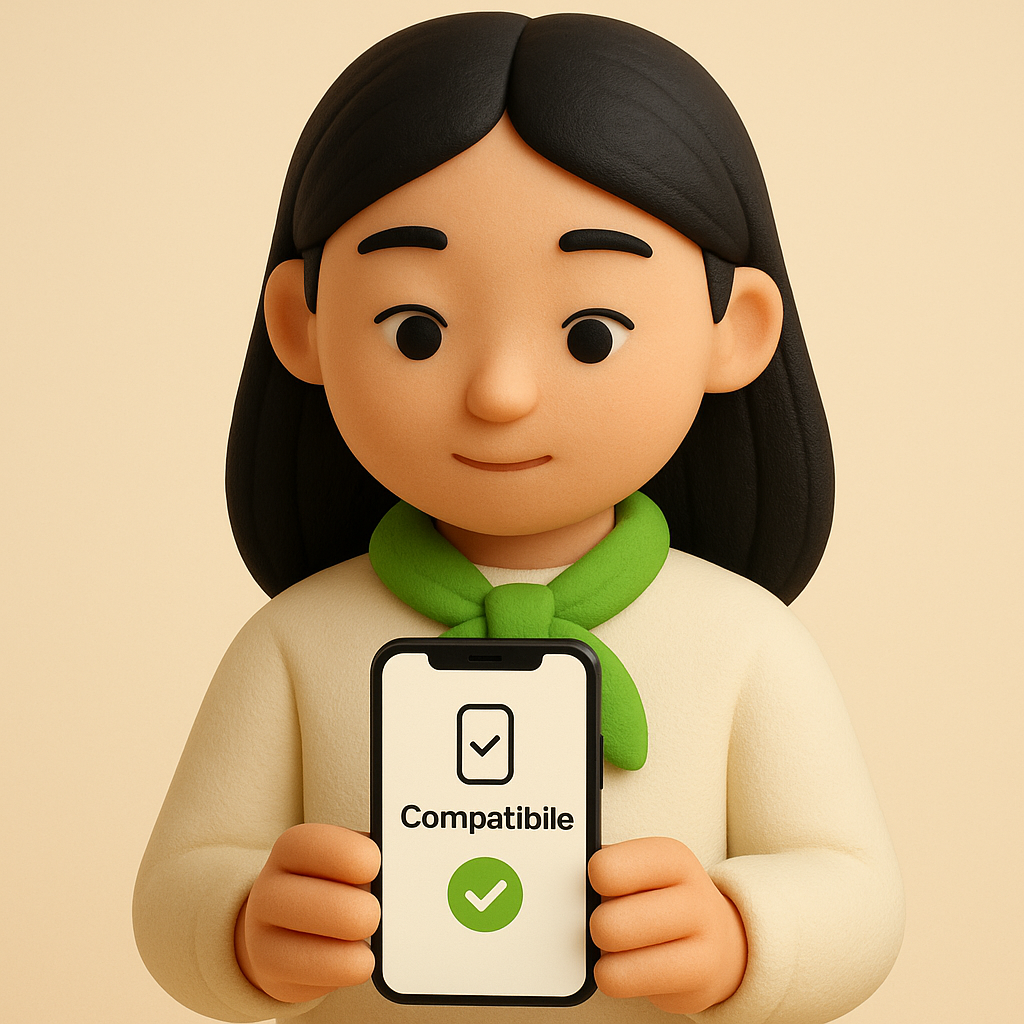
1
Check compatibility
Make sure your phone supports eSIM — most recent models do.
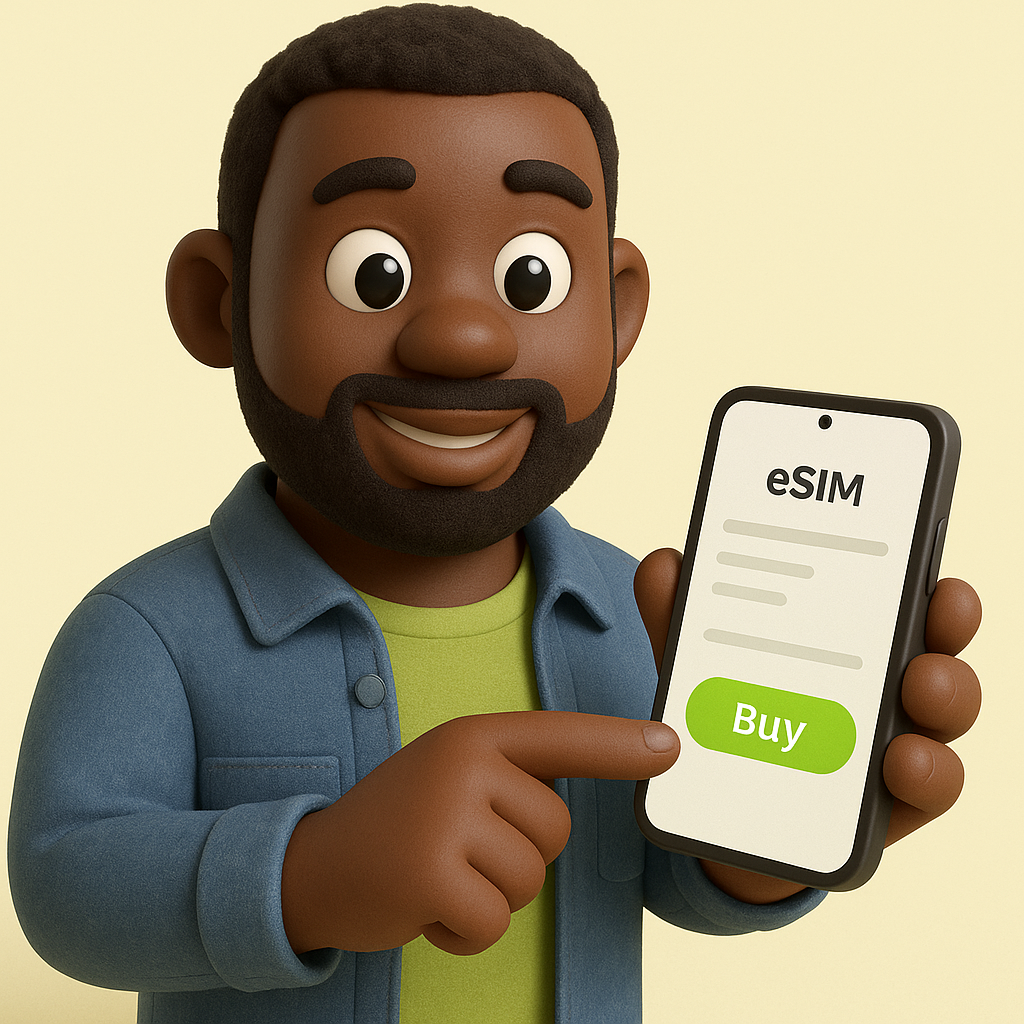
2
Buy your eSIM
Pick a plan and pay securely. Your QR code arrives by email in minutes.
3
Scan & connect
Scan the QR code, enable data roaming on arrival, and you're online.
 WhatsApp +44 7367 063273