I just got back from Sweden and the eSIM was a lifesaver! Used it on my Pixel 8 in Stockholm, and I had blazing fast internet while finding cool cafes and navigating the metro. Telenor’s coverage was spot on, even in Gamla Stan. Plus, I could hotspot for my buddy when his data ran out. Super easy setup too!
ZH
Zara H.
Calgary, CA · Jun 2026
Great for heavy data use!
I used this eSIM on my Galaxy S23 while exploring Malmö. It worked perfectly for Maps and backing up photos. Only hiccup was weak signal in some coastal areas. Overall, solid choice for a trip!
LS
Leo S.
Los Angeles, US · Jun 2026
Reliable data in Sweden!
I used my Pixel 8 while working from a coffee shop in Stockholm, and the speeds were fantastic! No lag during video calls or streaming. Super easy to set up, and I felt totally connected while exploring the city. Definitely made my work trip stress-free!
CR
Caleb R.
Cork, IE · Jun 2026
Great for family travels
Used this eSIM during our trip to Malmö. It was perfect for navigation on my Galaxy S23 and provided a solid hotspot for the kids' tablets. We had a bit of trouble in rural areas, but overall, it kept us connected and stress-free!
BH
Beatrice H.
Wellington, NZ · Jun 2026
Perfect for navigating Sweden!
We used the eSIM on our Pixel 8 while exploring Stockholm, and it was a lifesaver! Maps worked flawlessly and we stayed connected with friends back home through group chats. Definitely made our honeymoon stress-free!
EC
Ella C.
Brisbane, AU · Jun 2026
eSIM made traveling easy
I was a bit nervous trying an eSIM for the first time, but it worked perfectly! Landed at Stockholm Arlanda, and within minutes, I was connected on my Galaxy S23. Used it to navigate the streets and even share a hotspot for my tablet while visiting Gamla Stan. No hiccups at all, and the data speeds were great!
MS
Maya S.
Toronto, CA · Jun 2026
Perfect for Business Travel
I used this eSIM during my stay in Stockholm, and it was a lifesaver. I was able to handle important emails and make calls from my Galaxy S23 while in the airport lounge. Super reliable with Telenor, no issues at all. Totally satisfied!
RM
Ryan M.
São Paulo, BR · Jun 2026
Perfect for brief shore stops
I was in Stockholm for just a few hours and the eSIM worked flawlessly on my Galaxy S23. I got online and shared my photos instantly. Such a relief not to worry about data! Super quick setup too.
eSIM vs roaming in Sweden
Typical home-carrier roaming
£10–£18
per day
Esima eSIM
£2.57
Flat rate
Most international carriers charge a daily roaming fee for Sweden — common structures include a flat daily rate for unlimited data with a soft cap around 1-2 GB, after which speeds drop to 3G or slower. Some networks bundle Nordic countries into a single roaming zone, others treat Sweden separately.
Hotspot is often disabled or throttled on roaming plans, which matters if you are travelling with a laptop or need to share connectivity. A Sweden eSIM gives you a flat data allowance at full speed with no daily fee, no throttling after the first gigabyte, and hotspot enabled by default.
The cost is predictable — you pay once for the data bucket, not per day of travel. For trips longer than three days, the eSIM almost always costs less than roaming.
For trips shorter than two days, the math depends on your home carrier's daily rate and whether you need hotspot.
Real trips, real travelers
Built for travelers like you
Different trip, same eSIM — here is how it lands for the most common visitors to Sweden.
You are island-hopping from Stockholm to Sandhamn and Utö. The eSIM keeps you connected on Waxholmsbolaget ferries close to shore, loads mobile tickets for each leg, and lets you check ferry schedules in real time when weather delays a departure. Download offline maps before heading to outer islands where 4G thins.
Archipelago explorer
You are based in Kiruna and Abisko hunting aurora. The eSIM gives you 4G in town to check aurora forecasts on the SMHI app, book last-minute Icehotel tours, and upload photos from the night before. Coverage drops fast on snowmobile trails and in the backcountry — bring a satellite communicator for remote excursions.
Northern Lights chaser
You are riding the Inlandsbanan from Mora to Gällivare. The eSIM works in towns along the route but drops to 3G or nothing between settlements. Download offline maps, podcasts and tickets before departure — the journey is scenic but connectivity is patchy for most of the 1,300 kilometres.
Inlandsbanan rail traveller
Apps you'll need data for in Sweden
The apps locals and travelers actually use — the ones that need real cell data, not just hotel Wi-Fi.
S
SL Access
Mobile tickets for Stockholm tunnelbana, buses and commuter trains with real-time QR validation
W
Waxholmsbolaget
Ferry tickets for Stockholm archipelago with mobile QR codes
Swish
Sweden's standard mobile payment app for splitting bills and merchant payments (requires Swedish bank account)
SMHI Väder
Swedish Meteorological Institute weather and aurora forecasts
Västtrafik To Go
Mobile tickets for Gothenburg trams, buses and ferries
BankID
National digital ID for secure logins and payments (requires Swedish bank or coordination number)
How much data you'll burn per day
WhatsApp
~50 MB/day for text and photo messages, ~150 MB/day with regular voice calls, ~300 MB/day with video calls.
Maps
Google Maps uses 5-10 MB per hour of live navigation. A full day of walking tours in Stockholm or Gothenburg will consume 50-80 MB.
Rideshare
SL Access and Västtrafik apps use under 10 MB per day for ticket generation and schedule checks. No rideshare apps dominate Sweden — Uber and Bolt operate in major cities but are less common than in other European markets.
When you're travelling matters
Winter in Swedish Lapland (November to March) brings Northern Lights season and heavy tourist traffic to Kiruna, Abisko and the Icehotel. Telia's 4G network handles the surge in town, but expect slower speeds at popular aurora viewing spots when dozens of travellers are uploading photos simultaneously.
Summer (June to August) sees midnight sun and peak hiking season on the Kungsleden trail — download offline maps before heading into the backcountry, as cell towers are sparse between Abisko and Kvikkjokk. The Inlandsbanan railway only operates June to August, and connectivity remains patchy regardless of season.
FAQ
Frequently asked questions
Does eSIM work in the Stockholm archipelago?
Yes, but coverage depends on how far out you go. Ferries to Vaxholm, Grinda and Sandhamn have 4G close to shore on Telia and Tele2, but signal thins mid-crossing. Download Waxholmsbolaget tickets before boarding if you are heading to outer islands like Möja or Utö — connectivity is patchy once you leave the inner archipelago.
Does eSIM work in Kiruna and Swedish Lapland?
Yes. Kiruna town and Abisko have reliable 4G on Telia. Coverage thins between settlements on remote routes — the E10 toward Narvik has long stretches with 3G or nothing. The Icehotel and Jukkasjärvi have 4G, but expect dead zones on snowmobile trails and in the backcountry.
How much data do I need for a week in Stockholm?
Plan for 3-5 GB. SL Access for tunnelbana tickets uses minimal data, but live navigation with Google Maps or Citymapper, streaming music on walks, and uploading photos from Skansen or Fotografiska will push you toward the higher end. Add 1-2 GB if you are hotspotting a laptop or tablet.
Can I make WhatsApp calls in Sweden with this eSIM?
Yes. WhatsApp voice and video calls work over the eSIM's data connection. Quality depends on signal strength — expect clear calls in Stockholm, Gothenburg and Malmö on 5G, and occasional drops in rural areas or on trains between cities where LTE is weaker.
Does the SL Access app work on this eSIM?
Yes. SL Access requires live data to generate QR codes for mobile tickets on Stockholm's tunnelbana, buses and commuter trains. The app validates in real time when you scan at the gate, so keep the eSIM active. It uses minimal data — under 10 MB per day for typical commuting.
Does Swish work on a travel eSIM?
Swish requires a Swedish bank account and BankID, so tourists cannot set it up. You can receive Swish payments if someone sends to your Swedish phone number, but most travellers rely on card payments instead. The eSIM keeps you connected for contactless card terminals and payment apps like Apple Pay or Google Pay.
Telia vs Tele2 coverage in Gothenburg?
Both carriers provide strong 5G in Gothenburg's city centre, Haga and Majorna. Telia has a slight edge along the E6 motorway and on the archipelago ferries, where Tele2 sometimes drops to 3G mid-crossing. Inside the city, the difference is negligible — the eSIM will hand off to whichever network is stronger at your location.
Does eSIM work on the Öresund train to Copenhagen?
Yes. The Öresund train maintains continuous 4G through the underwater tunnel on all Swedish carriers. You will stay connected for the entire 35-minute journey from Malmö to Copenhagen, though the eSIM will switch to Danish roaming once you cross the border — check your plan's coverage if you are spending time in Denmark.
How much data does Google Maps use for a road trip in Sweden?
Live navigation uses roughly 5-10 MB per hour of driving. A week-long road trip from Stockholm to Kiruna will consume 200-400 MB if you leave Maps running continuously. Download offline maps before the Inlandsbanan or remote stretches of the E45 where 3G/4G is patchy.
Does eSIM work on the Inlandsbanan railway?
Patchy. The Inlandsbanan through central Sweden has 3G/4G in towns like Mora, Östersund and Gällivare, but long dead zones between settlements. Download offline maps, tickets and entertainment before departure — do not rely on streaming or live navigation during the journey.
eSIM vs airport SIM in Sweden?
An airport SIM from Telia or Tele2 at Arlanda costs 200-400 SEK for 5-10 GB and requires a passport photocopy and sometimes a deposit. The eSIM activates before you land, costs less for equivalent data, and does not tie up your physical SIM slot. The airport SIM gives you a Swedish phone number for local calls, but most travellers use WhatsApp or their home number anyway.
Does eSIM work in Uppsala?
Yes. Uppsala has strong 5G on Telia and Tele2 throughout the city centre, university district and around Uppsala Castle. Coverage thins north toward Gamla Uppsala and along the E4 between Uppsala and Gävle, where LTE is standard but 5G is patchy.
Can I use hotspot on this eSIM in Sweden?
Yes. Hotspot is enabled by default with no throttling on the first 5 GB. Useful if you are travelling with a laptop, a tablet, or a partner whose phone does not support eSIM. Speed depends on the underlying network — expect 150+ Mbps on Telia's 5G in Stockholm, slower on LTE in rural areas.
Does eSIM work in Sarek National Park?
No. Sarek is a dead zone on every Swedish carrier. The park has no cell towers, and the surrounding valleys block signal from distant towers in Jokkmokk or Gällivare. Bring a satellite communicator if you are trekking Sarek or the northern Kungsleden — cellular is not a backup.
How much data does Spotify use per day in Sweden?
Streaming Spotify at normal quality uses roughly 40-50 MB per hour, so 200-300 MB per day if you listen while commuting or walking. High-quality streams double that. Download playlists over Wi-Fi before long train rides or road trips to save data.
Need broader coverage?
Going further than Sweden? These plans include Sweden plus everywhere in between.
Sweden runs on apps — SL Access for Stockholm's tunnelbana, Waxholmsbolaget for archipelago ferries, Swish for splitting a café bill. A Sweden travel eSIM connects you to Telia or Tele2's local network the moment you land, so you skip the Arlanda SIM kiosk and the per-day roaming charges.
One QR code, one tap, you are online from Stockholm Central to the Icehotel in Kiruna.
Choose your plan
8 options
Balanced use — social, navigation & light streaming
Choose number of eSIMs
How many travelers?
1 eSIM
Total£5.92
Secure payment
30-day guarantee
Telenor (Vodafone) Sweden5G
Features
Data-only plan, no contract
Works on 5G / 4G LTE networks
Choose when your plan activates
Connects to top local carriers
No physical SIM swap needed
24/7 customer support
Description
Landing at Arlanda or Landvetter with a Sweden eSIM means you walk off the plane with connectivity already live — no queue at Telia's airport counter, no passport photocopy, no 200 SEK deposit. Installation happens before you leave home: scan the QR code we email, toggle the eSIM as your data line, done.
The profile activates the moment your phone sees a Swedish tower, usually during taxi to the gate. In Stockholm, Gothenburg and Malmö you will pull 5G speeds on Telia's network — 150+ Mbps in normal conditions, enough to stream SL Access tickets in real time or load Waxholmsbolaget's ferry app while boarding.
The eSIM behaves like a local SIM in every practical sense: Swedish phone numbers will see you as domestic, apps like Swish and BankID work without geo-restriction warnings, and you can hotspot your laptop at full speed.
The difference is portability — no physical card to lose, no need to swap out your home SIM, and you keep your original number for two-factor SMS. Sweden's cashless society means most transactions require Swish or card, so keeping connectivity for payment apps is not optional.
The eSIM also covers you on cross-border trains: the Öresund to Copenhagen and the Narvik line into Norway both maintain signal through tunnels and border crossings on Swedish carriers.
Technical specs
Network
Telenor (Vodafone) Sweden5G
Coverage
Sweden
Delivery
Immediate, by email
Plan type
Data only
Phone number
No
SMS / calls
VoIP apps only
Activation
QR code or manual SM-DP+
Why travelers choose Esima
Three reasons travellers pick esima for Sweden. First: pricing mirrors local prepaid rates, not the roaming surcharge your home carrier applies to Swedish towers.
Second: the eSIM hands off between Telia, Tele2, Telenor Sweden and 3 automatically, so you get the strongest signal whether you are in Gamla Stan or on the Öresund train to Copenhagen.
Third: hotspot is enabled by default — useful if you are travelling with a laptop or a partner whose phone does not support eSIM. No throttling on the first 5 GB like some Swedish carrier deals.
Instant delivery
Your QR code lands in your inbox minutes after purchase.
No roaming bills
Pay one upfront price — no surprise charges abroad.
Keep your number
Your physical SIM stays active for calls and texts.
Fast 4G/5G
Connect to top-rated local networks at full speed.
24/7 support
Real humans ready to help, any time zone, any day.
Easy install
Scan once and you're online — no app, no SIM swap.
Coverage in Sweden
Our Sweden eSIMs run on the Telia, Tele2, Telenor Sweden and 3 networks. Telia operates the most extensive 5G footprint covering Stockholm, Gothenburg, Malmö and the E4/E6 motorway corridors.
Tele2 and Telenor Sweden provide strong LTE in urban centres and along major rail lines. Expect reliable 4G in Kiruna and Swedish Lapland above the Arctic Circle on Telia, but coverage thins between settlements on remote routes.
The Inlandsbanan railway through central Sweden has patchy 3G/4G — download offline maps before departure from Mora or Gällivare. The Öresund train from Malmö to Copenhagen maintains continuous 4G through the tunnel on all Swedish carriers.
Dead zones: deep forest between Östersund and the Norwegian border, parts of the Kungsleden trail, and the interior of Sarek National Park.
Network
Telenor (Vodafone) Sweden5G
Good to know
Download offline maps before the Inlandsbanan railway — 3G/4G is patchy between Mora and Gällivare.
SL Access and Waxholmsbolaget ferry tickets require live data for QR validation — keep the eSIM active when boarding.
Swish is Sweden's standard payment app and needs connectivity to authorize splits and merchant payments.
Kiruna and Abisko have reliable 4G on Telia, but coverage drops fast on remote routes between settlements.
The Kungsleden trail and Sarek National Park are dead zones on every Swedish carrier — bring a satellite communicator for emergencies.
Coverage in Sweden — top cities
Stockholm
Stockholm is saturated with 5G on Telia — you will hit 200+ Mbps outside Centralen on a good day. The tunnelbana has full 4G/5G coverage on platforms and in stations, though signal drops in tunnels between stops. SL Access requires live data for mobile ticket QR codes, so keep the eSIM active when boarding. Expect dense crowds to slow speeds around Slussen and T-Centralen during rush hour.
Gothenburg
Gothenburg's city centre and Haga district have strong 5G on Telia and Tele2. The tram network has continuous 4G along most routes, though signal thins in the tunnels under Korsvägen. The archipelago ferries to Styrsö and Vrångö maintain 4G close to shore but drop to 3G or nothing mid-crossing — download tickets before departure if using the Västtrafik app.
Malmö
Malmö's compact core has reliable 5G on all four carriers. The Öresund train to Copenhagen maintains continuous 4G through the underwater tunnel on Swedish networks — you will stay connected for the entire 35-minute journey. Coverage thins west toward Limhamn and south toward Vellinge, where LTE is standard but 5G is patchy.
How to set up your eSIM
1
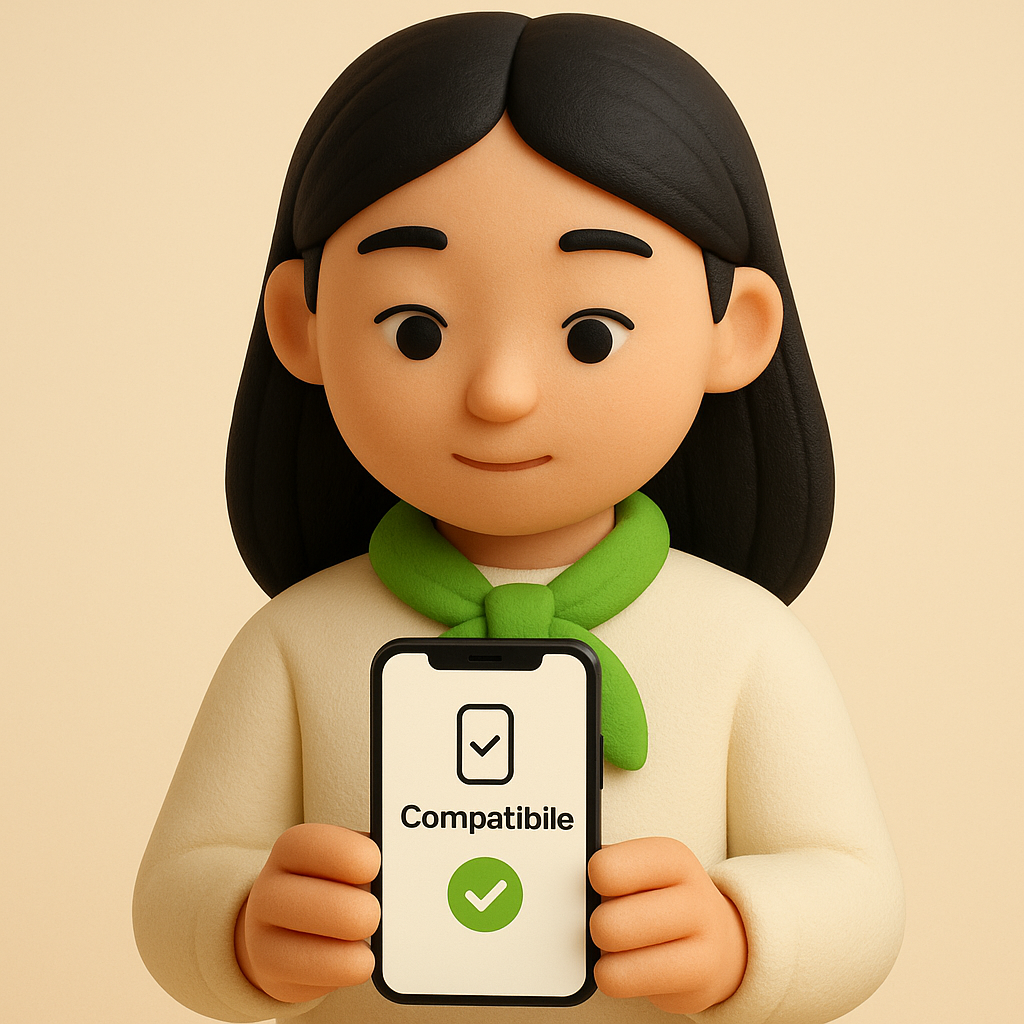
Check compatibility
Make sure your phone supports eSIM — most recent models do.
2
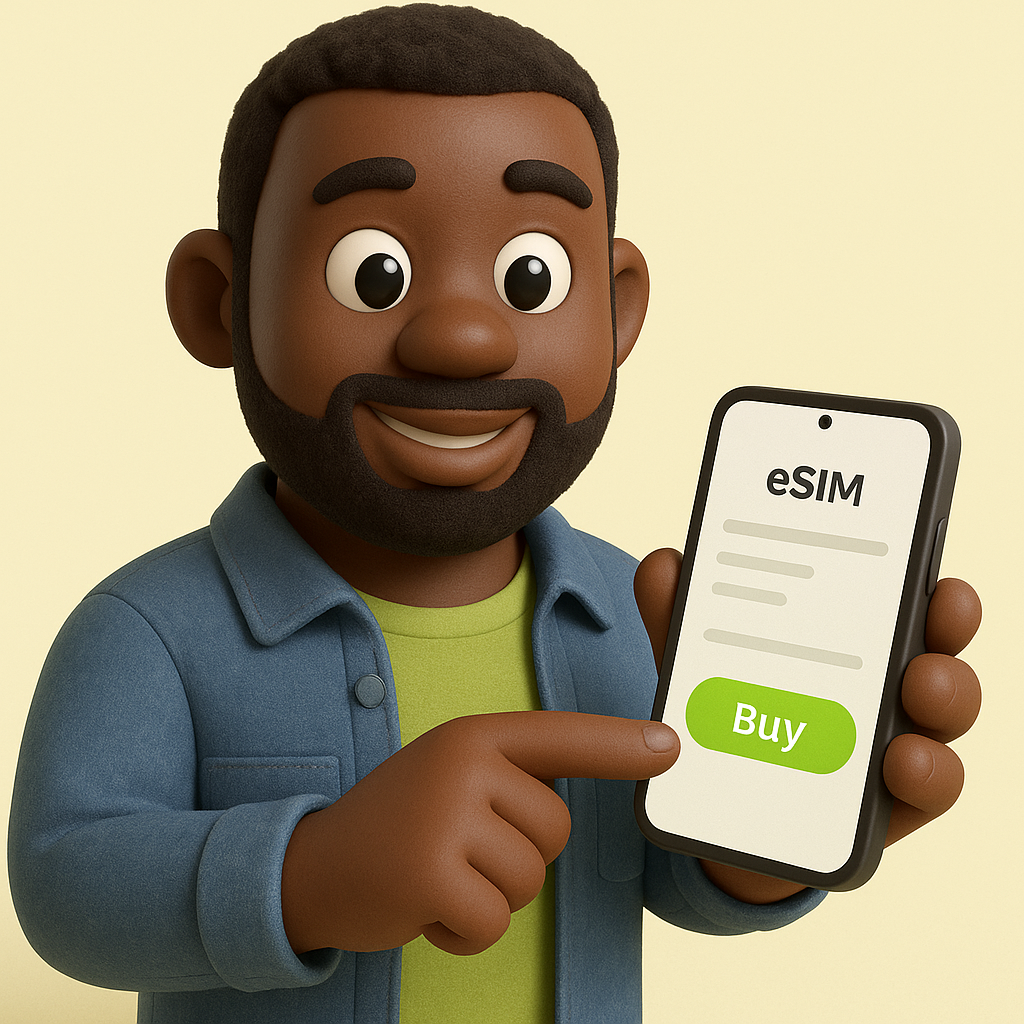
Buy your eSIM
Pick a plan and pay securely. Your QR code arrives by email in minutes.
3
Scan & connect
Scan the QR code, enable data roaming on arrival, and you're online.
 WhatsApp +44 7367 063273