WhatsApp +44 7367 063273
Does the Apple iPhone 13 Pro Max support eSIM?
Apple iPhone 13 Pro Max eSIM compatibility
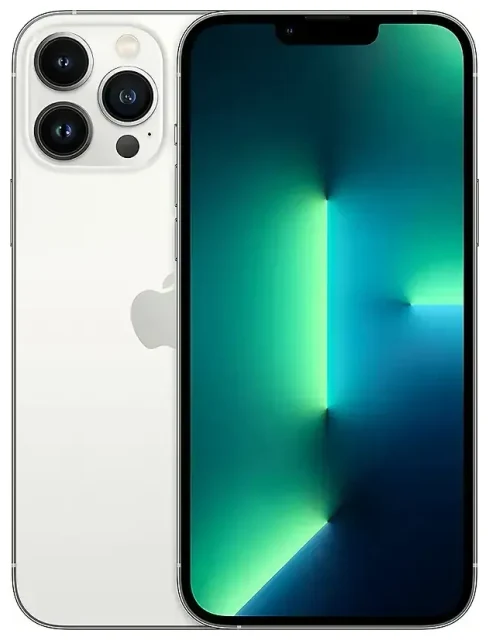
Yes, the Apple iPhone 13 Pro Max supports eSIM. Every model sold worldwide—regardless of region or carrier—includes eSIM functionality built into the hardware. Apple introduced eSIM with the iPhone XS series in 2018, and the technology is standard across the entire iPhone 13 lineup, including the Pro Max variant.
Dual SIM capability: eSIM and physical SIM
The Apple iPhone 13 Pro Max offers true dual SIM capability. You can use one physical nano-SIM card in the SIM tray plus one active eSIM simultaneously. This means you can maintain two phone numbers at once—ideal for separating work and personal lines, or keeping your home number active while using a local data plan abroad. The device can store up to eight eSIM profiles, though only one eSIM can be active alongside the physical SIM at any given time. If you remove the physical SIM, you can run two eSIMs simultaneously instead.
All Apple iPhone 13 Pro Max models are unlocked when purchased directly from Apple, but carrier-sold versions may have lock periods. Your device must be carrier-unlocked to use eSIMs from providers other than your original carrier, particularly important for the iphone 13 pro max esim unlocked functionality travelers need.
How to set up an eSIM on the Apple iPhone 13 Pro Max
Set up an eSIM in Settings
Activating an eSIM on your Apple iPhone 13 Pro Max typically takes about sixty seconds. Your eSIM provider will send you a QR code via email after purchase. Make sure you're connected to Wi-Fi before you begin, as the activation process requires an internet connection.
- Open Settings and tap Cellular (or Mobile Data in some regions).
- Tap Add Cellular Plan or Add eSIM.
- Use your camera to scan the QR code provided by your eSIM carrier. Position the code within the frame and hold steady.
- Tap Continue when prompted, and wait while your iPhone activates the eSIM—this usually takes 30–60 seconds.
- Once activated, label your new line with a meaningful name like "Travel Data" or "Work" to distinguish it from your primary line.
- Choose which line you want to use for cellular data, iMessage, and FaceTime. You can change these settings anytime in the Cellular menu.
Alternative activation methods
Some carriers support direct activation through their app, or your iPhone may detect an available carrier plan and prompt you to install it automatically. If your eSIM provider offers an activation code instead of a QR code, tap Enter Details Manually in step 3 and input the SM-DP+ address and activation code provided.
Using a travel eSIM on the Apple iPhone 13 Pro Max
A travel eSIM transforms how you stay connected internationally. Instead of paying expensive roaming fees to your home carrier or hunting for a local SIM card at the airport, you can install a data-only eSIM before you depart. This gives you immediate internet access when you land—for maps, rideshares, messaging, and everything else you need.
Purchase your travel eSIM plan days or weeks ahead of your trip. The plan typically activates either when you install it or when you first connect to a network in your destination country, depending on the provider. You can browse eSIM plans covering single countries or entire regions, with validity periods ranging from a few days to a month.
Your home physical SIM stays in the phone, so you'll still receive calls and SMS messages to your regular number. Meanwhile, the travel eSIM handles all your data traffic. This dual-line setup on the iphone 13 pro max esim and physical sim means you don't miss important calls or two-factor authentication texts while enjoying affordable local data rates. Many users on iphone 13 pro max esim reddit communities praise this configuration for eliminating bill shock after international trips.
Tips & troubleshooting
Enable data roaming for your eSIM line
This catches many first-time eSIM users: you must turn on data roaming for your eSIM line, even though it's a local plan in your destination. Go to Settings > Cellular > tap your eSIM line > toggle Data Roaming on. Don't worry—you won't incur roaming charges because the eSIM is a local plan, not your home carrier.
In the same Cellular menu, confirm your eSIM line is selected as the default for Cellular Data. This ensures your iPhone routes internet traffic through the travel plan rather than your home SIM.
Fix an eSIM that won't activate
If the QR code won't scan, check that your camera lens is clean and you have adequate lighting. You can also screenshot the QR code on another device, display it on a larger screen, and scan from there. Alternatively, choose the manual entry option and type in the activation details carefully.
If activation stalls or fails, restart your iPhone and try again. Confirm you're connected to Wi-Fi with a stable connection. Some users find switching between Wi-Fi networks or temporarily using cellular data (if available) resolves activation issues.
For persistent problems, verify your device is carrier-unlocked—locked phones often reject eSIMs from third-party providers. Check with your original carrier if you're unsure about your unlock status. You can also get eSIM setup help specific to your provider or check another device's eSIM compatibility if you're managing multiple phones.
Managing multiple eSIM profiles
The how many question about iphone 13 pro max esim storage comes up often: your device holds up to eight eSIM profiles in memory, but only one or two can be active at once (one eSIM plus physical SIM, or two eSIMs if you remove the physical card). To switch between stored eSIMs, go to Settings > Cellular, tap the plan you want to activate, and toggle Turn On This Line.